Text utility
Compare texts
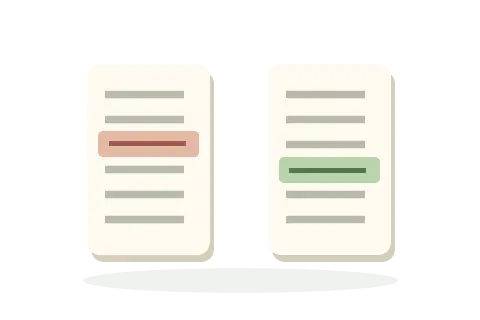
Paste, type, or open two text files to see exactly what changed. Keep original line numbers, refine changed lines by word, and choose how case or whitespace should affect equivalence.
- Readable line and word changes
- Case and whitespace controls
- Text stays in this browser
Compare
Add the two versions
Edits are compared automatically after a short pause. Opening a file replaces only that editor and keeps a recoverable in-memory snapshot of the previous inputs.
Original text
Paste or type the earlier version.
Revised text
Paste or type the version to compare.
Result
Comparison
{{ statusBody }}
{{ errorMessage }}
Comparison cancelled. The last settled result is still available.
This comparison was too complex for detailed line alignment within the bounded browser work limit, so the original lines are shown as coarse removals and additions.
Word-level refinement was bounded for some very large or complex changed lines; their full original lines remain visible.
{{ segment.text }}{{ segment.text }}
{{ item.left.hasNewline ? t('result.finalNewline') : t('result.noFinalNewline') }}
{{ segment.text }}{{ segment.text }}
{{ item.right.hasNewline ? t('result.finalNewline') : t('result.noFinalNewline') }}
{{ item.right.text }}
{{ segment.text }}{{ segment.text }}
{{ item.left.hasNewline ? t('result.finalNewline') : t('result.noFinalNewline') }}
{{ segment.text }}{{ segment.text }}
{{ item.right.hasNewline ? t('result.finalNewline') : t('result.noFinalNewline') }}