Focused workflowsEach tool stays centered on one job
Focused tools. Ready now.
Practical tools for everyday tasks.
Work with documents and images, compare text and time zones, clean data, create colors, or practice music and mathematics. Free, with no account or installation.
When a tool uses files, they stay on this device and are never uploaded.
Local file processingYour files stay on your device
No accountOpen a tool and start
Free to useNo trial or paywall
Available now
Choose what you need
PDF Tools
Merge PDF
Combine several PDF files into one document, arrange their order and download the finished copy.
Merge PDFs Your files are combined locally and never uploaded.
Split PDF
Separate one PDF into individual pages or custom page groups, with every result ready to download.
Split a PDF The PDF is split locally and never uploaded.
Reorder PDF
See every page, move it by drag, touch or keyboard controls, then download the PDF in its new order.
Reorder a PDF Your PDF stays on this device while you arrange it.
Protect PDF
Add an opening password to a PDF and download a strongly encrypted copy while keeping the original.
Protect a PDF The file and password stay in this browser tab and are never uploaded.
Unlock PDF
Unlock one or more PDFs with known passwords or ordinary printing, copying and editing restrictions, then download individual copies or a ZIP.
Unlock PDFs The PDFs and their passwords are processed locally in your browser and are never uploaded.
PDF Scanner
Photograph pages or choose images, arrange and rotate them, then control the PDF page size and quality before downloading.
Create a PDF The PDF is assembled in your browser. Your source images stay on this device.
Create lined paper
Make printable pages with the spacing, margins and line style you need. Preview every change, then download your PDF.
Create lined paper Created on your deviceImage Tools

Redact image
Draw solid covers or destructive pixelation over sensitive details, then download a flattened copy with metadata removed.
Redact an image Covered pixels are replaced permanently; no original pixels or edit layers remain underneath.
Optimize images
Compress, resize and convert images together, then compare and download every result.
Optimize images Your images are processed locally and never uploaded.
Favicon and app icon generator
Turn one image into browser favicons, an Apple touch icon, installable app icons, a web manifest and ready-to-copy integration code.
Create icon package Your source image is processed on this device and is never uploaded.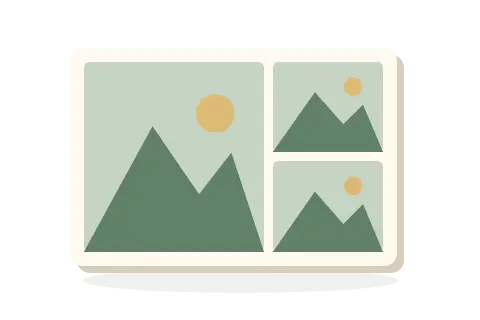
Create picture collages
Arrange local JPEG, PNG and WebP images into a grid or hero collage, adjust each crop, and download one image.
Create a picture collage Images stay in your browser and are not uploaded.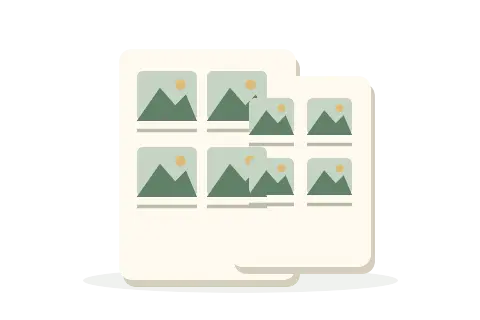
Print image contact sheets
Arrange local JPG, PNG and WebP images into captioned A4 or Letter contact sheets, then print or download a PDF.
Create contact sheets Free · Private · No account
Create QR codes
Turn text or web addresses into downloadable, static QR codes. Everything runs in your browser.
Make a QR code Static codes do not expire; linked websites can change or disappear. Always test your code with a scanner.Color Tools
Generate color palette
Generate varied three-to-eight-color palettes, lock and reorder favorites, edit HEX or RGB values, and export reusable results.
Generate a palette Generation happens locally. Press Enter to explore again while keeping locked colors.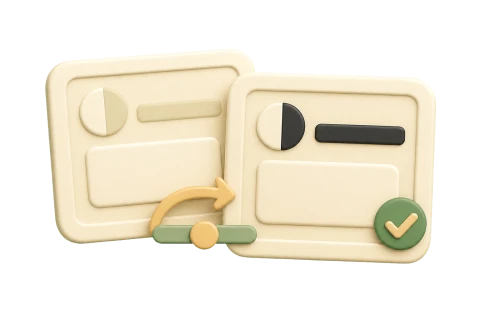
Check color contrast
Test a color pair against WCAG and repair a failing color.
Check contrast Free · Private · No account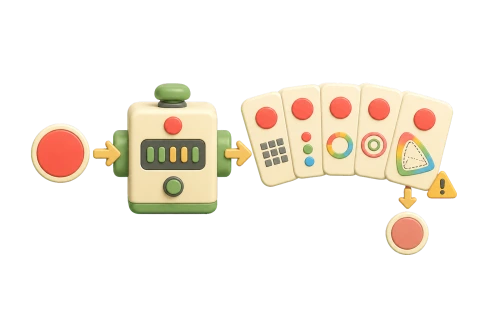
Convert colors and check gamut
Convert one color across five formats and see whether it fits sRGB or Display-P3.
Convert a color Free · Private · No account
Create CSS gradients
Build linear and radial CSS gradients with exact color stops, opacity and positioning.
Create a CSS gradient Free · Private · No accountSubtitles
Convert subtitles
Convert SRT and WebVTT subtitles, or export a plain-text transcript. Review the result and download a separate copy.
Convert subtitles Files stay on your device
Adjust subtitle timing
Move subtitles earlier or later, or correct progressive drift using two reference points. Preview the adjusted times before downloading.
Adjust subtitle timing Files stay on your device
Check and repair subtitles
Check subtitle structure, timing and readability. Choose repairs for numbering, empty entries, duplicates and ordering, then review a separate result.
Check and repair subtitles Files stay on your device
Convert VobSub to SRT
Turn DVD subtitle images into editable English text. Review the captions and download an SRT file.
Convert VobSub to SRT Files stay on your deviceText & data
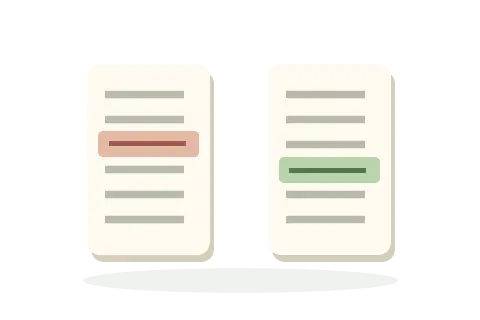
Compare texts
Compare two texts with readable line and word changes, original line numbers, and optional case or whitespace normalization.
Compare texts Your text and files stay in this browser.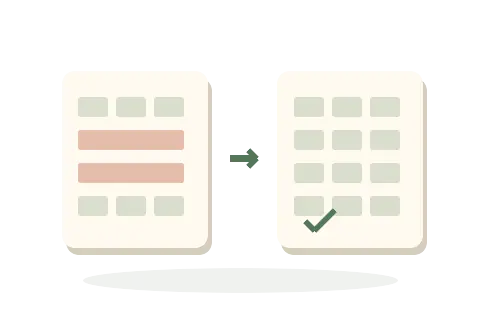
Clean and convert CSV
Review delimited text, remove only the rows you choose, and export spreadsheet-safe CSV or TSV.
Clean CSV Free · Private · No accountTime & date
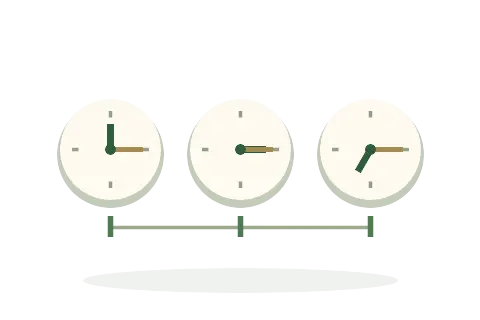
Compare time zones
Compare one exact instant across selected time zones, including daylight-saving changes and date rollover.
Compare time zones Free · Private · No accountGeography

World map
A colorful atlas of countries, states and provinces, capitals, and significant cities. Zoom in to discover more.
Explore the map Search stays on your deviceSecurity
Split and recover a secret
Divide a secret into pieces. Choose how many are needed to put it back together.
Split and recover a secret Your secret and pieces stay on this device.Music Tools
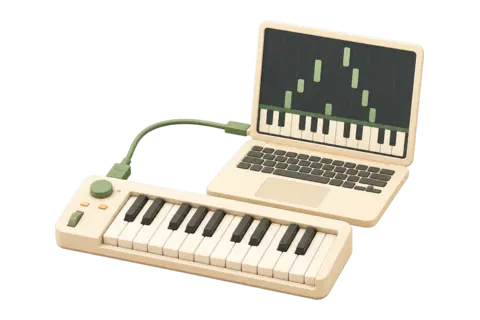
Practice piano
Connect a USB MIDI piano or keyboard, follow falling notes without a timer, import songs and record your playing.
Practice piano Runs locally in current desktop Chrome. USB MIDI support depends on the device and operating-system driver.Mathematics Tools
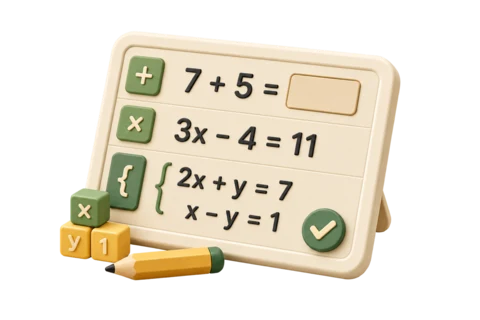
Practice mathematics
Work through arithmetic, one-variable equations or two-variable systems one exercise at a time.
Practice mathematics Exercises, answers and printable PDFs are created locally. No account or learner history.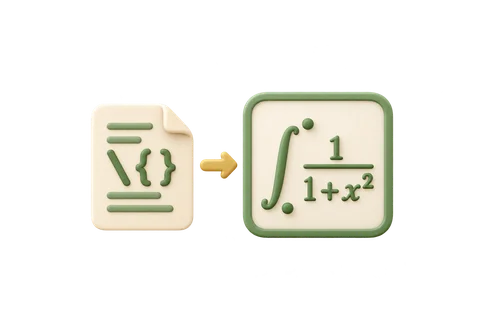
Convert LaTeX to SVG, PNG, JPG or PDF
Turn a LaTeX equation into an image, ready to download or copy.
Convert LaTeX to SVG, PNG, JPG or PDF Your equations stay on this device.Privacy by design
How local processing works
- 1Your browser does the work
Each tool runs directly in your browser, with no account, app download or setup.
- 2Files stay on your device
When a tool uses files, it reads only the ones you choose and does not upload them.
- 3You choose what to save
Results stay in the current session until you copy or download them.