{{ item[0] }}
{{ item[1] }}
Free and private PDF merger
Add two or more PDF files, arrange them, then download one combined document.
Step 1 - Choose PDF files
You can add more files and change their order before creating the result.
Files stay on this device and are removed when you close the page.
{{ t(isMerge ? 'input.dropMany' : 'input.dropOne') }}
{{ announcement }}
How merging works
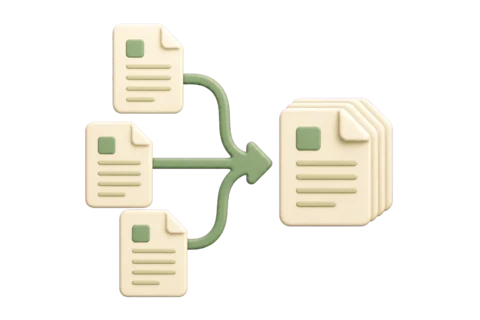
Each selected PDF is read on your device, then its pages are copied into a new file in the order shown.
{{ item[1] }}
Password-protected files must be unlocked first. Interactive forms, signatures, bookmarks and attachments may not remain interactive after pages are copied.