Skip to content

Free and private PDF splitter

Split a PDF exactly where you need.

Create one file per page or define custom page groups, then download every result.

  • No uploads
  • No account
  • Free

Step 1 - Choose PDF files

Add the PDF you want to split

The original file is preserved. You choose how its pages become new PDFs.

Files stay on this device and are removed when you close the page.

{{ t(isMerge ? 'input.dropMany' : 'input.dropOne') }}
{{ progressLabel }}

Step 2 - Review and create

Choose how to split the pages

Nothing is uploaded
{{ isMerge ? t('work.files', { count: files.length }) : files[0].name }}
{{ item.name }}{{ item.pageCount === 1 ? t('work.pageOne') : t('work.pages', { count: item.pageCount }) }} · {{ formatBytes(item.size) }}
How should the PDF be split?
For consecutive groups, use the scissors on a page to add or remove a split after it.
  1. {{ t('split.groupLabel', { number: group.number }) }}{{ t('split.groupPages', { range: group.range }) }}
Choose a password and save it somewhere safe.
{{ progressLabel }}
Your split PDF files are ready{{ results.length === 1 ? t('result.splitFile') : t('result.splitFiles', { count: results.length }) }}{{ t('result.summary', { name: results[0].name, size: formatBytes(results[0].size) }) }}
{{ result.name }}{{ formatBytes(result.size) }}
{{ t(isMerge ? 'input.dropNowMany' : 'input.dropNowOne') }}

{{ announcement }}

How splitting works

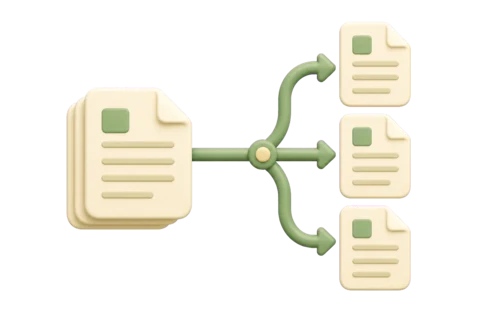
One PDF becomes the files you need

The pages are copied into new PDFs on your device according to the split method you choose.

{{ item[0] }}

{{ item[1] }}

Each page can appear once in custom groups. Password-protected files must be unlocked first. Interactive forms, signatures, bookmarks and attachments may not remain interactive.